Apple Watch: traditional or functional strength training?
For a barbell, dumbbell or machine session, pick Traditional Strength Training on Apple Watch. What each workout type changes in your calories, according to Apple, and which one to use.
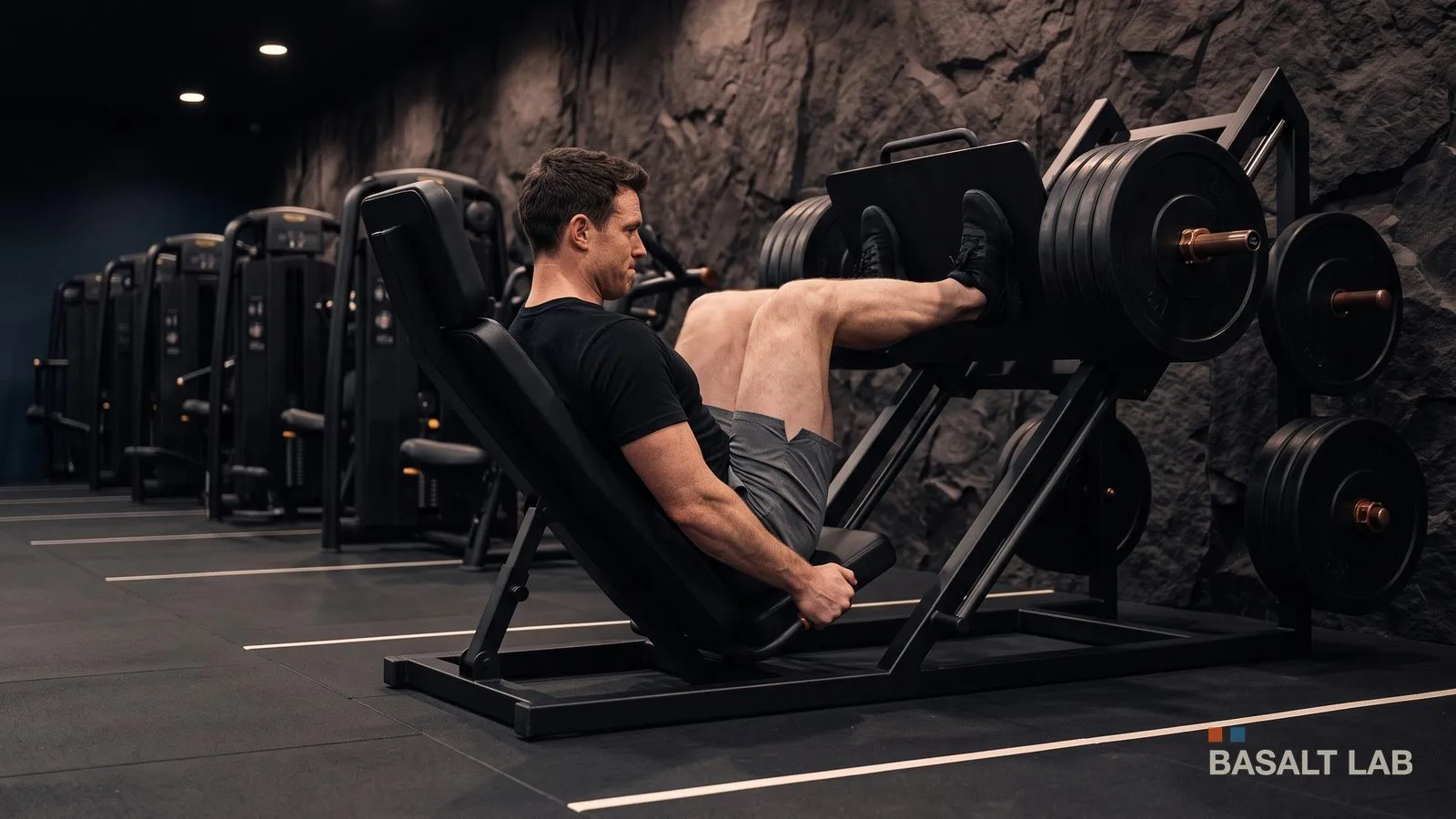
For a regular lifting session, with a barbell, dumbbells or machines and rest between sets, pick Traditional Strength Training on Apple Watch: Apple defines it as strength training done mostly with machines or free weights. Keep Functional Strength Training for bodyweight circuits or light loads done back to back. The choice changes nothing about what the watch keeps from your session, but it does change how it works out your calories.
The Workout app offers 76 workout types, and several of them fit the gym. Apple's November 2024 white paper on heart rate and calorie measurement says which ones have a validated calorie model. Traditional Strength Training, the closest to lifting, is not one of them.
The workout types that fit the gym
Six Workout app types can describe a gym session. Apple defines them in the HealthKit documentation, the iPhone database where apps write workouts, and its white paper says which ones have a validated calorie model.
| Type on the watch | What Apple puts in it | Validated calorie model |
|---|---|---|
| Traditional Strength Training | Strength work, mostly with machines or free weights | No |
| Functional Strength Training | Strength work, mostly with free weights and body weight | Yes |
| Core Training | Work on the trunk | Yes |
| High Intensity Interval Training | High-intensity intervals | Yes |
| Cross Training | Any mix of cardio, strength and flexibility | No |
| Other | An activity no other type describes | No |
Between the two strength types, the difference comes down to one word: machines on one side, body weight on the other. Free weights appear in both definitions. In practice, a session of bench press, squats and cable rows is Traditional Strength Training. A circuit of push-ups, lunges and kettlebell swings, done with almost no rest, is Functional Strength Training.
What the choice changes: the calorie calculation
The workout type decides which model the watch uses to estimate your calories. According to Apple's white paper, Functional Strength Training has its own model, validated against a reference measurement. Traditional Strength Training does not.
Functional Strength Training. Apple groups it with Core Training and Pilates in the "heart rate predominant, moderate intensity" models: the calculation relies mostly on heart rate, with wrist motion filling in. Compared with a breath gas analyzer, the lab reference, this model is off by 2% on average, with a standard deviation of 17%, on a validation set of 53. High Intensity Interval Training falls into another group, the higher intensities, along with indoor cycling: on average 2% below the reference, with a standard deviation of 14%.
Traditional Strength Training. It is not on the list of validated models. For those other workouts, Apple guarantees at least the equivalent of a brisk walk while you move, with possible extra credit based on what the sensors and activity classification pick up. Over an hour of lifting where you spend a good share of the time sitting between sets, the number on screen rests on that floor and on your sensors, not on a model built for what you are doing.
Apple adds two limits. Its accuracy figures cover aerobic activities, and the error can be larger when the effort stays anaerobic for a long time. A heavy set of five reps is exactly that kind of effort: for lifting, the watch's calories stay a ballpark figure, whatever the type.
What the choice does not change
Whatever the type, the watch records neither your sets, nor your reps, nor your weights. It logs the duration, your heart rate and an estimate of calories, as Apple Watch and strength training explains in detail.
The Exercise ring. It counts every full minute of movement at least as intense as a brisk walk, and Apple adjusts that threshold to your cardio fitness. During a workout, a minute of sustained effort at moderate intensity also counts. With three to five minutes of rest on heavy lifts, as covered in how long to rest between sets, do not be surprised if the ring fills more slowly than after a circuit of the same length.
Training Load. For strength training, you rate the session's effort yourself, from 1 to 10, at the end of the workout. The details are in Apple Watch training load.
Your progress. No workout type compares your session with the last one. Yet progress means beating what you did last time by a little, set by set: that is the idea behind progressive overload, and it needs your weights and reps.
Which type to pick for your session
Pick the type that describes what you do for most of the session, and keep the same one week after week. Your duration, heart rate and calorie records will stay comparable with each other.
| Your session | Type to pick |
|---|---|
| Barbell, dumbbells or machines, sets of 3 to 12 reps with rest | Traditional Strength Training |
| Bodyweight, kettlebell or light dumbbell circuit, little rest | Functional Strength Training |
| Ten minutes of abs and planks at the end | Core Training, added as a second workout |
| Short, hard intervals: rower, bike, burpees | High Intensity Interval Training |
| Cardio, strength and flexibility in equal parts | Cross Training |
| None of the above | Other, as a last resort |
A session in two parts. To finish with cardio or core work without mixing everything, the Workout app lets you chain a second workout: during the session, swipe right, tap New, then choose the type. Each part is recorded under its own type.
Torn between two types. If your session alternates heavy lifts and a closing circuit, pick the type of the longer part, or split it in two as above. Other is only for activities no type on the list describes.
With a tracking app, the type is picked for you
A lifting app with Apple Watch support opens the workout on the watch itself, with its own workout type. Do not start the Workout app as well: the same hour would be counted twice in Apple Health.
The app then logs what the watch cannot see. In Basalt Lab, you set the weight and reps with the Digital Crown and log your set from your wrist; the iPhone records the session and has to stay within range, as logging your workout from your wrist explains.
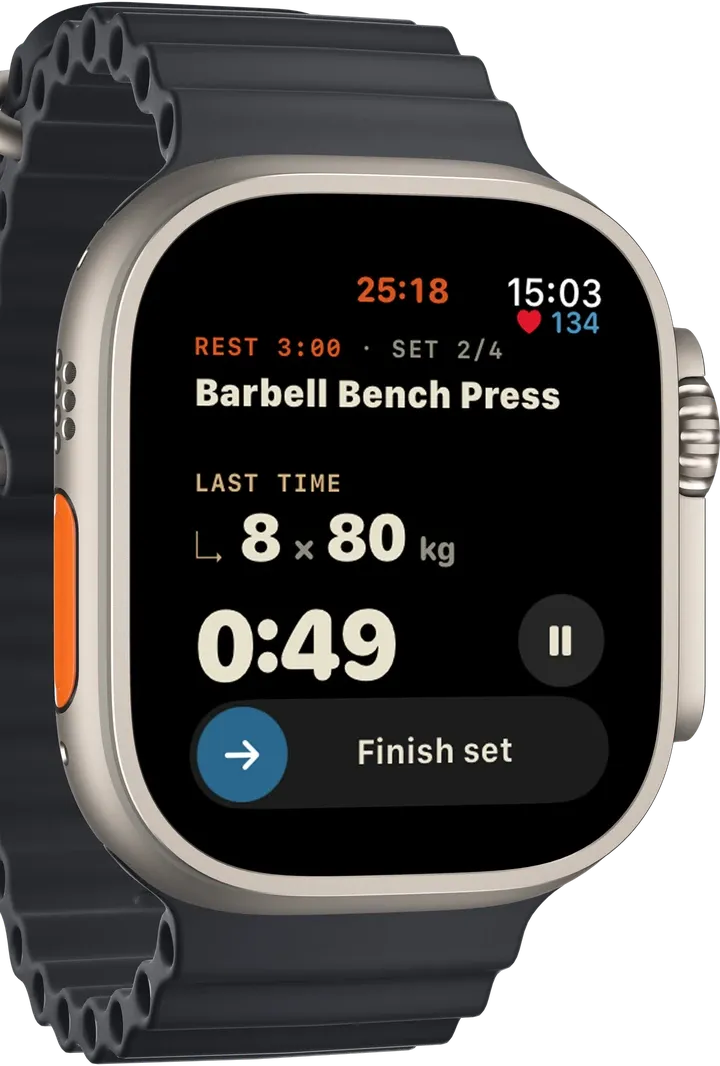
After the session, you find it on the iPhone in the Fitness app: tap the Sessions area, then the workout, to see its details.
Frequently asked questions
Traditional or functional strength training for lifting at the gym?
Traditional Strength Training for a session with a barbell, dumbbells or machines and rest between sets. Functional Strength Training for a bodyweight or light-load circuit, done with few breaks.
Why do my calories change with the workout type?
Because the type decides the calculation model. Functional Strength Training has a model validated by Apple, which relies mostly on heart rate. Traditional Strength Training does not: Apple counts at least the equivalent of a brisk walk while you move, plus what the sensors pick up.
Should I pick Other when in doubt?
No. Apple keeps Other for activities no type describes, and a lifting session has two types that fit it. When in doubt, pick the type of the longest part of your session.
Does the watch count my sets if I pick the right type?
No. No workout type counts sets, reps or weights: the watch records the duration, your heart rate and calories. For your sets, you need an app that logs them, on your wrist or on your phone.
Pick the type once and for all based on your session, then focus on what the watch does not measure: what you lift.
Sources
- Workout types on Apple Watch, Apple Support, 2025.
- Using Apple Watch to measure heart rate, calorimetry, and activity, Apple, white paper, November 2024.
- HKWorkoutActivityType.traditionalStrengthTraining, Apple Developer Documentation, HealthKit.
- HKWorkoutActivityType.functionalStrengthTraining, Apple Developer Documentation, HealthKit.
- HKWorkoutActivityType.crossTraining, Apple Developer Documentation, HealthKit.
- Start a workout on Apple Watch, Apple Support, Apple Watch User Guide, watchOS 27.
- See your activity summary in Fitness on iPhone, Apple Support, iPhone User Guide.