Apple Watch and strength training: what it does not log
The Workout app on Apple Watch records that you trained, not what you lifted. No sets, no reps, no weights. What it actually measures, why, and what you need on top to follow your strength progress.
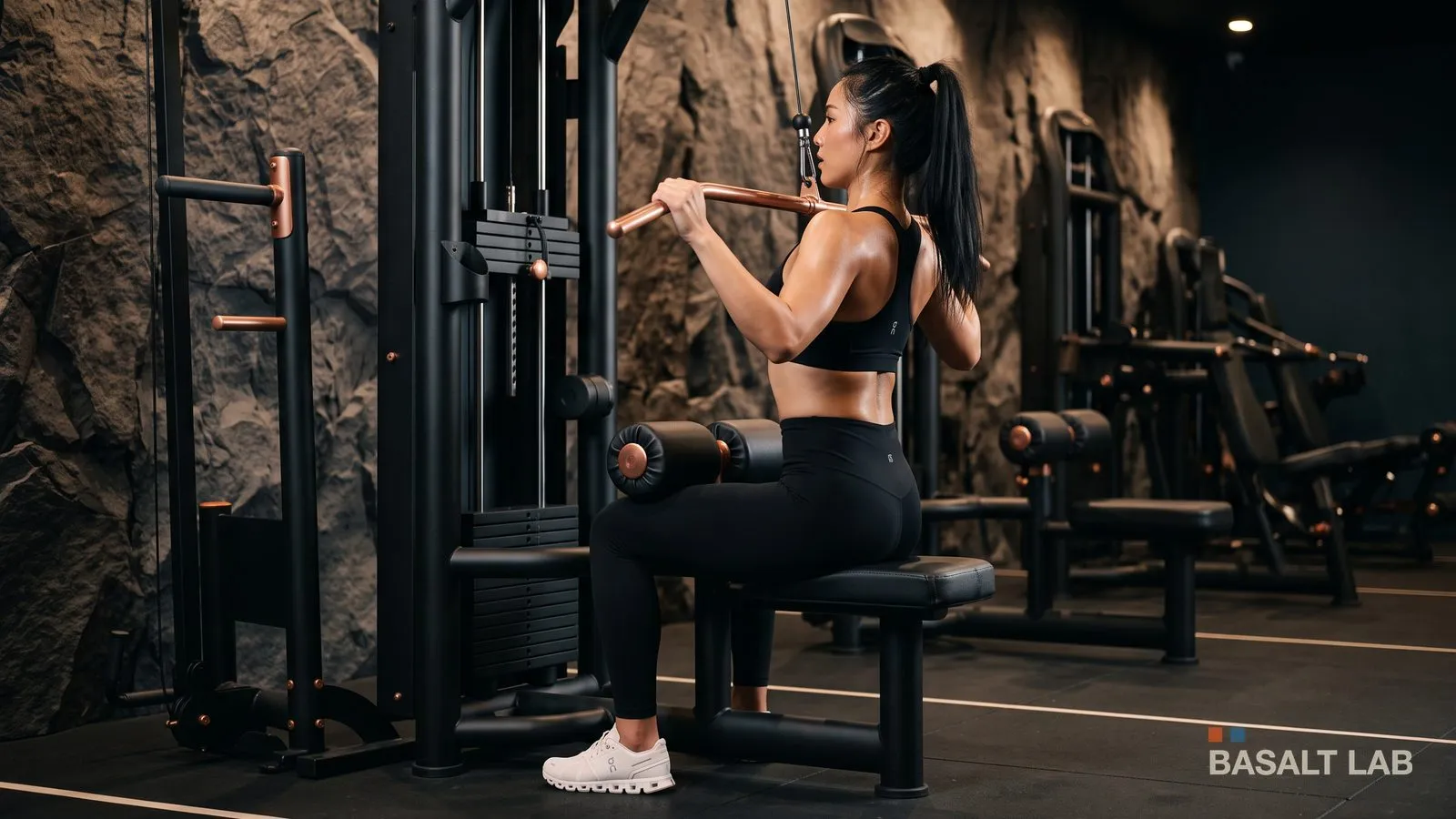
The Workout app on Apple Watch records none of your sets, reps or weights. It measures session duration, heart rate and an energy estimate, and that is all. For strength training, that means it knows you trained, never what you did.
What the watch actually measures
When you start a strength training workout, the watch records the start and end time, your heart rate throughout, and an estimate of energy burned. That data goes into Apple Health and fills your rings.
Nothing on that list describes your training. A heavy squat session and a light machine session of the same length produce very similar readings, even though they are two unrelated workouts.
The reason is simple: nothing on your wrist can guess what you loaded on the bar. The sensors read your body, not the gym. No accelerometer tells eight reps at 60 kilos from eight reps at 80.
Why that is a problem for strength
Getting stronger means asking for a little more than last time. That assumes you know what last time was, set by set. It is the whole subject of progressive overload.
A duration and an average heart rate answer none of the questions that decide today's session: what weight was on the bar, how many reps went through, whether the last set had room left. Without those three, you pick by feel, and feel always drifts back to a comfortable weight.
What the watch genuinely brings to lifting
Once an app logs the sets for you, the watch becomes useful for three things.
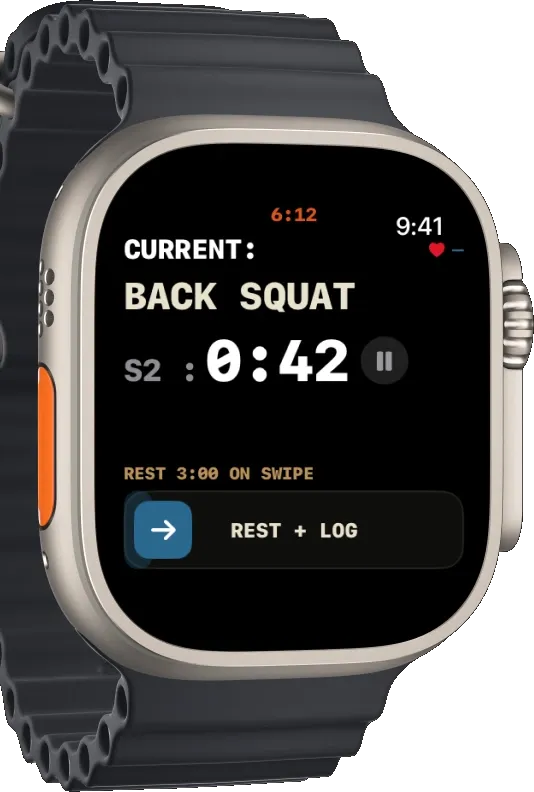
- Confirming a set without taking your phone out. Confirming a weight and reps on your wrist takes two gestures, between sets, with the bar still next to you.
- The rest timer on your wrist. A rest that buzzes is more reliable than one you have to look at on a screen left on a bench.
- Session heart rate. The one measurement the phone cannot take, and the one that means something in a recap: average, maximum, and how fast you recover between sets.
What to know before relying on it
The watch does not replace the phone, it extends it. In Basalt Lab, the iPhone remains what actually records the session: the watch acts as a remote, and the iPhone has to stay within range while you train. It can run in the background, at the bottom of a bag.
That is a constraint, and it is also what avoids the classic watch-app problem: two versions of the same session to reconcile afterwards, one of them incomplete. Here there is a single record, written as the session happens.
The detail of what works from the wrist, and what needs the phone within range, is in logging your session from your wrist.
Frequently asked questions
Does the Apple Watch count reps on its own?
No. No built-in feature counts reps or recognises exercises in strength training. The Workout app's data is limited to duration, heart rate and estimated energy.
Are the calories reliable for lifting?
They are estimates, and less reliable for lifting than for running or cycling. The effort comes in bursts, and heart rate rises for mechanical as much as metabolic reasons. Treat them as an order of magnitude.
Should I start the Workout app alongside my tracking app?
No, and it is counterproductive: two workouts would land in Apple Health for one training session. A lifting app with watch support opens the workout session itself.
Is the watch enough if I do not have my phone on me?
On you, no, you do not need it in hand. Within range, yes, that is required: the iPhone is what writes the session.
The watch says you trained. Keeping track of what you lifted is up to you.